


Workflow Management Software: Can It Replace Your Current Tools?

 Jul 11,2026
  By Namrata Indalkar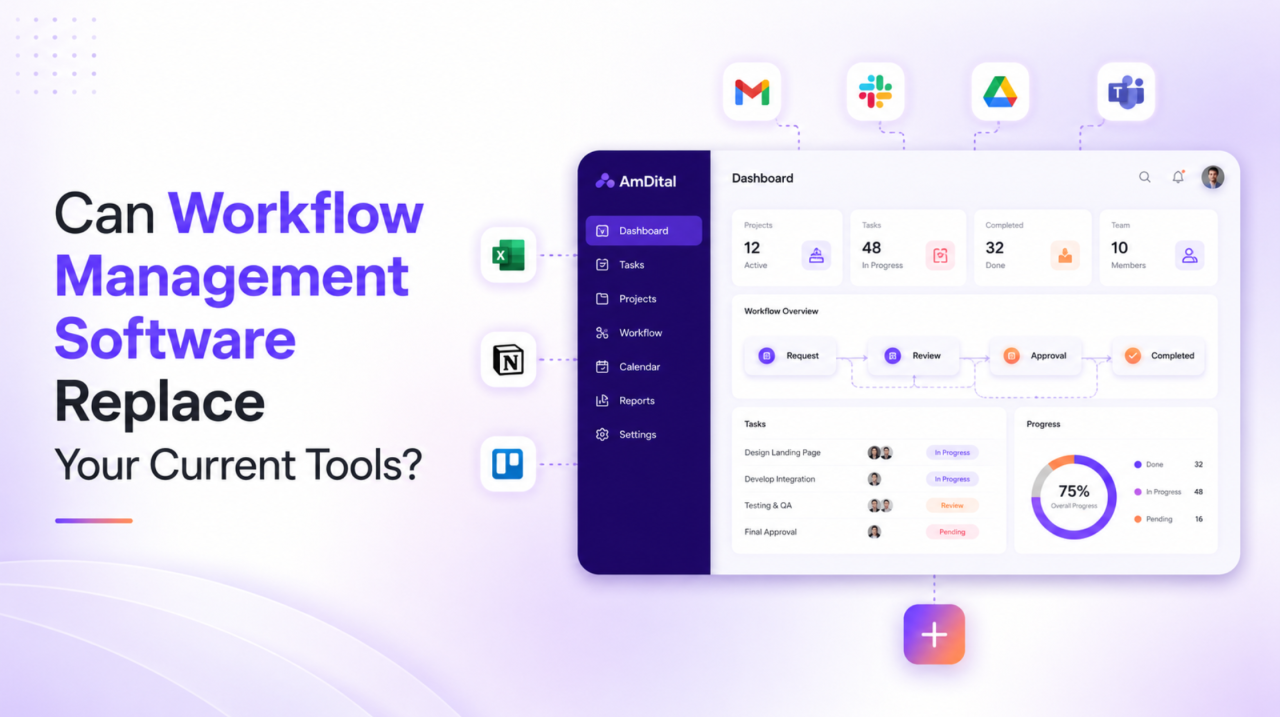
If your team runs on a patchwork of apps one for tasks, another for chat, a spreadsheet for tracking, and a separate tool for approvals you’ve probably wondered: could one platform just do all of this? It’s a fair question, and it’s exactly why so many teams are looking at workflow management software as a way to replace their tangle of workflow tools.
The short answer is: yes, in most cases modern workflow management software can replace the majority of your current tools and this guide explains what it can consolidate, what to watch for, and how to decide if it’s right for your team.
What Counts as a “Workflow Tool,” Anyway?
Before deciding what to replace, it helps to define what we mean. “Workflow tools” is a broad term for the apps a team uses to plan, assign, track, and complete work. In a typical growing business, that stack includes:
- A task or project tool for assigning and tracking work
- A communication app for updates and discussions
- Spreadsheets for planning, budgets, and reporting
- Approval and form tools for sign-offs and requests
- File storage for documents and assets
- Time tracking for logging hours
Each one solves a piece of the puzzle. The problem? None of them talk to each other, so your team spends its day switching tabs and copying information between them. That’s the gap workflow management software is designed to close.
Can Project Management Software Really Replace Them?
Here’s the nuance. Traditional project management software handles tasks and timelines well, but it often stops there leaving you to bolt on separate tools for HR, finance, or approvals. That’s why the smarter question isn’t “can a project tool replace everything?” but “can an all-in-one platform?”
Modern workflow management software goes further than a basic task app. Instead of just tracking to-dos, it connects the entire flow of work projects, communication, approvals, documents, and reporting into one system. When work lives in one place, the need for most of your separate workflow tools simply disappears.
What Workflow Management Software Can Replace
Let’s be realistic about it. Good workflow management software can typically replace:
- Your task/project tool — boards, milestones, and priorities are core features.
- Most spreadsheets — planning, tracking, and reporting move into live dashboards.
- Approval and form apps — requests and sign-offs run inside the platform.
- Scattered status updates — progress is visible in real time, so update meetings shrink.
- Basic time tracking — hours are logged against the actual work.
What it may not fully replace, depending on your needs: highly specialized design or engineering tools, or deep-dive analytics platforms. The goal isn’t to replace every tool — it’s to replace the handful of overlapping ones that create the most friction, and unify them on one all-in-one platform.
The Benefits of Consolidating Into One Platform
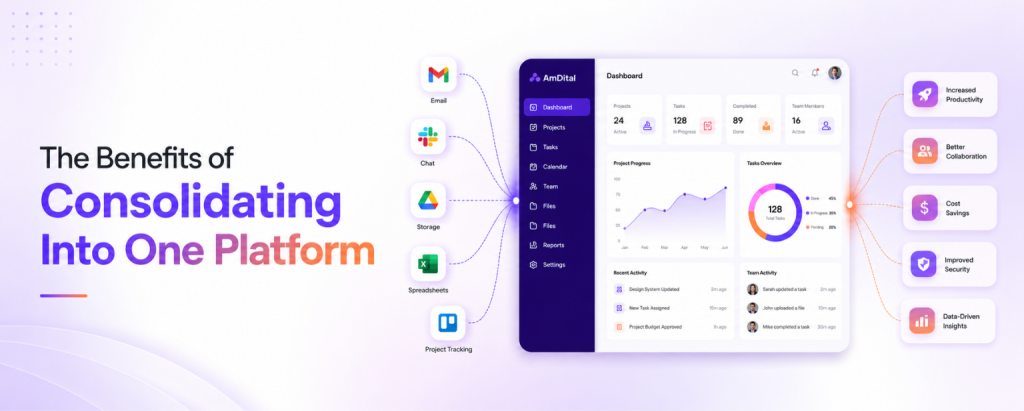
Why go through the effort of switching? Because the payoff is significant:
- Less context-switching. Your team stops hopping between apps and stays in flow.
- One source of truth. Everyone sees the same tasks, deadlines, and data.
- Lower cost. One subscription usually costs less than five or six separate ones.
- Faster onboarding. New hires learn one system, not a whole toolkit.
- Better visibility. Leaders get a real-time view instead of stitching reports together.
In short, the right workflow management software doesn’t just replace tools it removes the daily friction those tools created in the first place.
What to Look for in Workflow Management Software
Not every platform is built to replace your stack. When evaluating workflow management software, look for:
- All-in-one modules — projects, tasks, docs, approvals, and reporting in one place, not add-ons.
- Automation — the ability to automate repetitive steps like reminders, hand-offs, and status updates.
- Ease of use — an interface your team will actually adopt without weeks of training.
- Integrations — clean connections to the few specialized tools you decide to keep.
- Scalability — a system that fits your team now and as you grow.
- Real-time reporting — dashboards that replace manual spreadsheet updates.
If a platform covers these, it’s genuinely capable of replacing your workflow tools rather than becoming just one more of them.
How an All-in-One Workflow Management Platform Simplifies Work
An effective workflow management software solution brings your essential business processes together in one place, reducing the need to switch between multiple applications throughout the day.
Instead of relying on separate tools for project planning, communication, approvals, reporting, and document management, an all-in-one platform helps teams work from a single shared workspace.
Key capabilities typically include:
- Project and task management to plan, assign, and monitor work.
- Team collaboration with shared discussions, comments, and document sharing.
- Workflow automation for approvals, reminders, and recurring tasks.
- Time tracking and reporting with real-time dashboards and performance insights.
- Document management so files remain connected to the projects they belong to.
- Custom workflows that adapt to different teams and business processes.
By bringing these functions together, organizations spend less time searching for information and more time delivering results.
Signs It’s Time to Consolidate Your Workflow Tools
Not sure whether your current setup is holding your team back? These are common indicators:
- Team members frequently ask where information is stored.
- The same data is entered into multiple applications.
- Different departments use disconnected systems.
- Reporting requires exporting and combining data manually.
- Employees spend too much time switching between applications.
- New team members struggle to learn several different tools.
- Software subscriptions continue growing without improving efficiency.
If several of these situations sound familiar, it may be the right time to evaluate a centralized workflow management software solution.
Making the Transition
Moving away from multiple disconnected tools doesn’t have to be disruptive.
A practical approach is to migrate one workflow at a time. Start with the process causing the most delays, involve a small pilot team, and gradually expand adoption across departments. Keeping existing systems available in read-only mode during the transition helps minimize risk while users become comfortable with the new platform.
With proper planning, most organizations can transition smoothly while improving collaboration and reducing operational complexity.
Conclusion
As businesses grow, managing work across multiple applications becomes increasingly difficult. While individual tools solve specific problems, they often create disconnected workflows that reduce visibility and productivity.
Modern workflow management software provides a more connected approach by bringing projects, communication, approvals, documents, and reporting into one centralized workspace. Instead of spending time switching between applications, teams can focus on collaboration, accountability, and delivering results.
If your organization relies on several disconnected workflow tools, now may be the right time to evaluate whether a single, integrated solution can simplify the way your team works.
Ready to simplify your workflows?
Explore how modern workflow management software can help your team manage projects, automate routine processes, improve collaboration, and reduce the need for multiple disconnected tools all from a single workspace
Frequently Asked Questions


 Jul 22, 2026

