


The Best Employee Productivity Tool to Keep Teams Aligned


 Jul 16,2026
  By Namrata Indalkar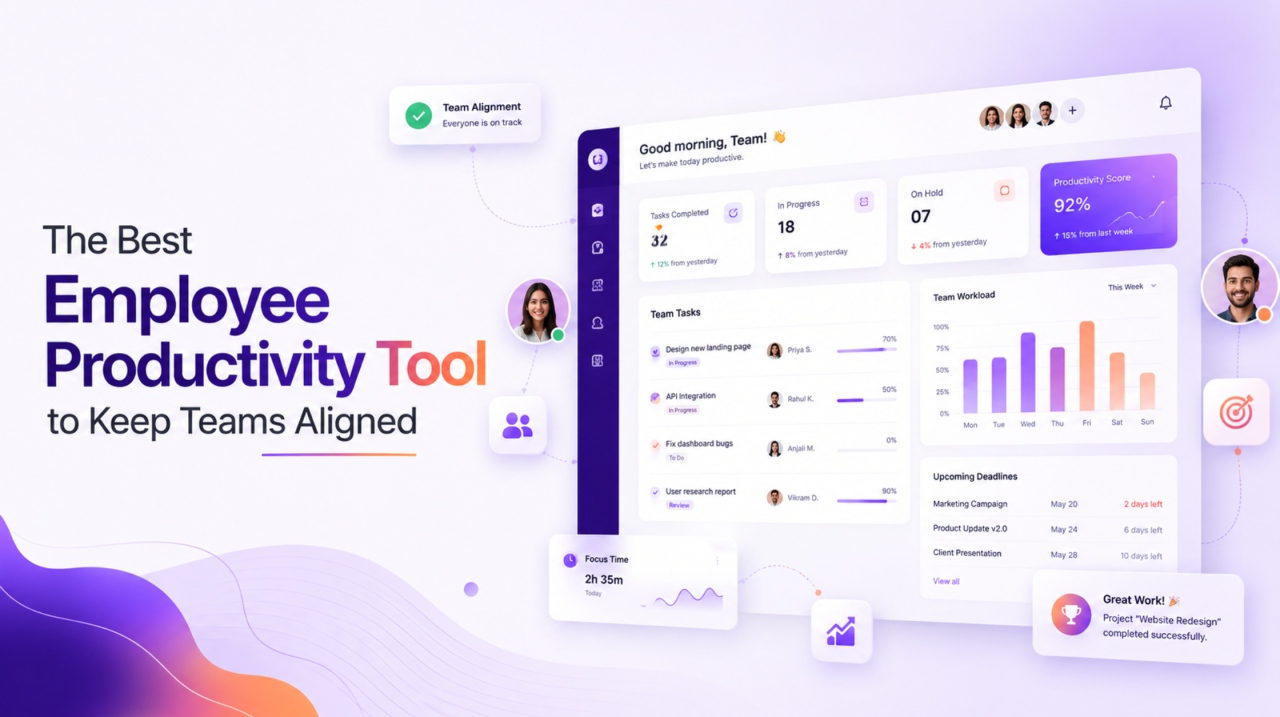
An employee productivity tool is only worth having if it does one thing really well: keep your team aligned. Because the biggest drain on productivity usually isn’t lazy people it’s confusion. People working on the wrong thing, chasing unclear priorities, or duplicating effort because no one knew who was doing what.
The right employee productivity tool fixes that. It gives everyone a shared view of goals, tasks, and progress, so the whole team pulls in the same direction. In this guide, we’ll look at what makes a great tool, how to choose one, and simple ways to keep your team aligned and focused every single day.
Why Teams Fall Out of Alignment
Most teams don’t lose alignment on purpose. It happens slowly, as work spreads across emails, chats, spreadsheets, and someone’s memory. Before long:
- Two people are doing the same task, unaware of each other.
- Priorities are unclear, so effort goes to whatever feels urgent.
- Updates get buried in chat threads no one reads.
- Leaders have no clear view of what’s actually happening.
The result is busy people who feel productive but aren’t moving the business forward. A good employee productivity tool solves this by making work visible and priorities clear.
Signs Your Team Needs a Better Productivity Tool
Not sure if it’s time to invest? These are the clearest signs your current setup is holding your team back:
- People regularly ask “what should I be working on?” a sign priorities aren’t clear.
- The same update gets repeated in three different channels.
- Work slips because no one was sure who owned it.
- You only find out a deadline was missed after it’s missed.
- Leaders can’t answer “how are we doing?” without chasing several people.
- Your team feels busy, but the important work keeps getting pushed.
If two or more of these sound familiar, the problem usually isn’t effort it’s visibility. That’s exactly the gap a good employee productivity tool is built to close, giving everyone one clear place to see priorities, ownership, and progress.
What Makes a Good Employee Productivity Tool
Not every app that promises “productivity” delivers it. The best employee productivity tool should help your team focus, not add more admin. Look for these essentials:
Clear task and priority management
Everyone should see what they’re responsible for and what matters most this week in a simple board or list, not a maze of settings.
Shared goals
The tool should connect daily tasks to bigger goals or OKRs, so people understand why their work matters and how it ties to the team’s targets.
Real-time visibility
Progress should be visible to everyone in real time. That single change kills most status meetings and keeps everyone on the same page.
Collaboration in one place
Comments, files, and updates should live with the work itself not scattered across five apps.
Simplicity
If the tool is complicated, people won’t use it. The best employee productivity tool is powerful and easy to adopt.
How the Right Tool Keeps Teams Aligned
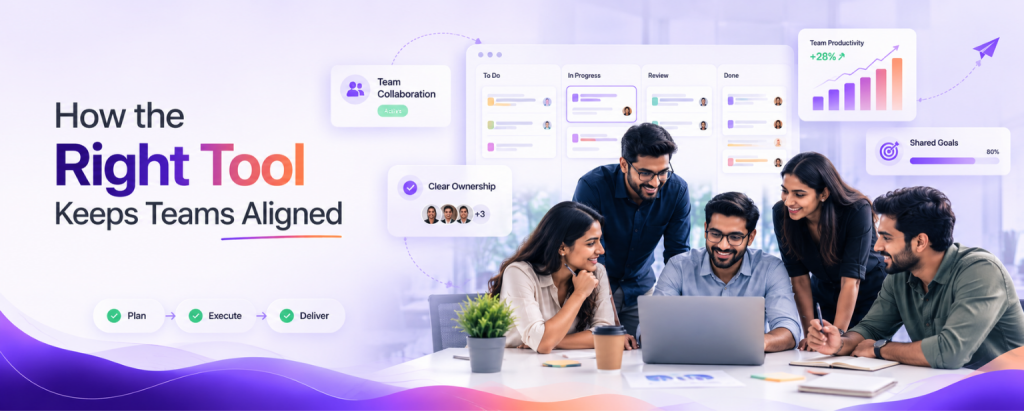
Alignment isn’t about more meetings it’s about shared clarity. Here’s how a strong employee productivity tool keeps everyone moving together:
- One source of truth. Everyone works from the same tasks, deadlines, and goals, so there’s no confusion about what’s happening.
- Visible priorities. When the team can see what matters most, effort flows to the right work automatically.
- Less noise. Automated updates and reminders replace the constant “any update?” messages.
- Connected goals. Linking tasks to company goals helps every person see how their work contributes.
When your team is aligned like this, productivity takes care of itself people spend less time figuring out what to do and more time actually doing it.
Actionable Tips to Keep Your Team Aligned
Buying an employee productivity tool is only step one. Here’s how to get real value from it:
- Set clear priorities weekly. Start each week by marking the top 3 priorities so everyone knows the focus.
- Give every task an owner. “Someone will handle it” is how work slips. Name a person for each task.
- Connect tasks to goals. Show the team how daily work ladders up to bigger targets it boosts motivation.
- Replace status meetings with dashboards. Let people check progress in the tool instead of sitting in update calls.
- Review and adjust. A quick weekly look at what’s on track keeps small problems from becoming big ones.
These habits turn any productivity software from a task list into a genuine engine for team alignment.
What Sets the Best Productivity Tools Apart
Once you move past basic to-do apps, the strongest employee productivity tool options share a few things in common. They don’t just track tasks they bring the whole picture together:
- Task and project management — plan, assign, and track work with clear boards and priorities.
- Goals and OKRs connect everyday tasks to company and team targets, so everyone stays aligned.
- Real-time dashboards see progress at a glance without chasing updates.
- Built-in collaboration keep conversations, files, and documentation with the work.
- All-in-one design replace the stack of separate tools most teams juggle, cutting cost and complexity.
The more of these a tool combines, the less time your team wastes switching between apps and the more aligned everyone stays. For fast-growing teams especially, an all-in-one employee productivity tool tends to win, simply because everything lives in one connected place.
How to Get Started
Getting started is easier than you’d think. Pick one team or project, set up this week’s priorities, assign owners, and link the tasks to a goal. Invite the team, and let the dashboard replace your next status meeting. Within a few days you’ll see clearer priorities and fewer “what’s the status?” messages the first signs your team is genuinely aligned.
Conclusion
Productivity isn’t about working harder or squeezing more hours out of people. It’s about clarity everyone knowing what matters, who owns it, and how it connects to the bigger picture. The right employee productivity tool delivers that clarity, turning a busy, scattered team into a focused, aligned one.
Instead of stitching together a to-do app, a chat tool, and a spreadsheet, look for one shared workspace where priorities, ownership, and progress are always clear. That clarity is what real productivity and real alignment is built on. Start small, stay consistent, and make this quarter your team’s most focused yet.
Frequently Asked Questions


 Jul 22, 2026

